How to Use TubeDice to Shuffle Your Playlist
1Copy and Paste Your YouTube Playlist Link
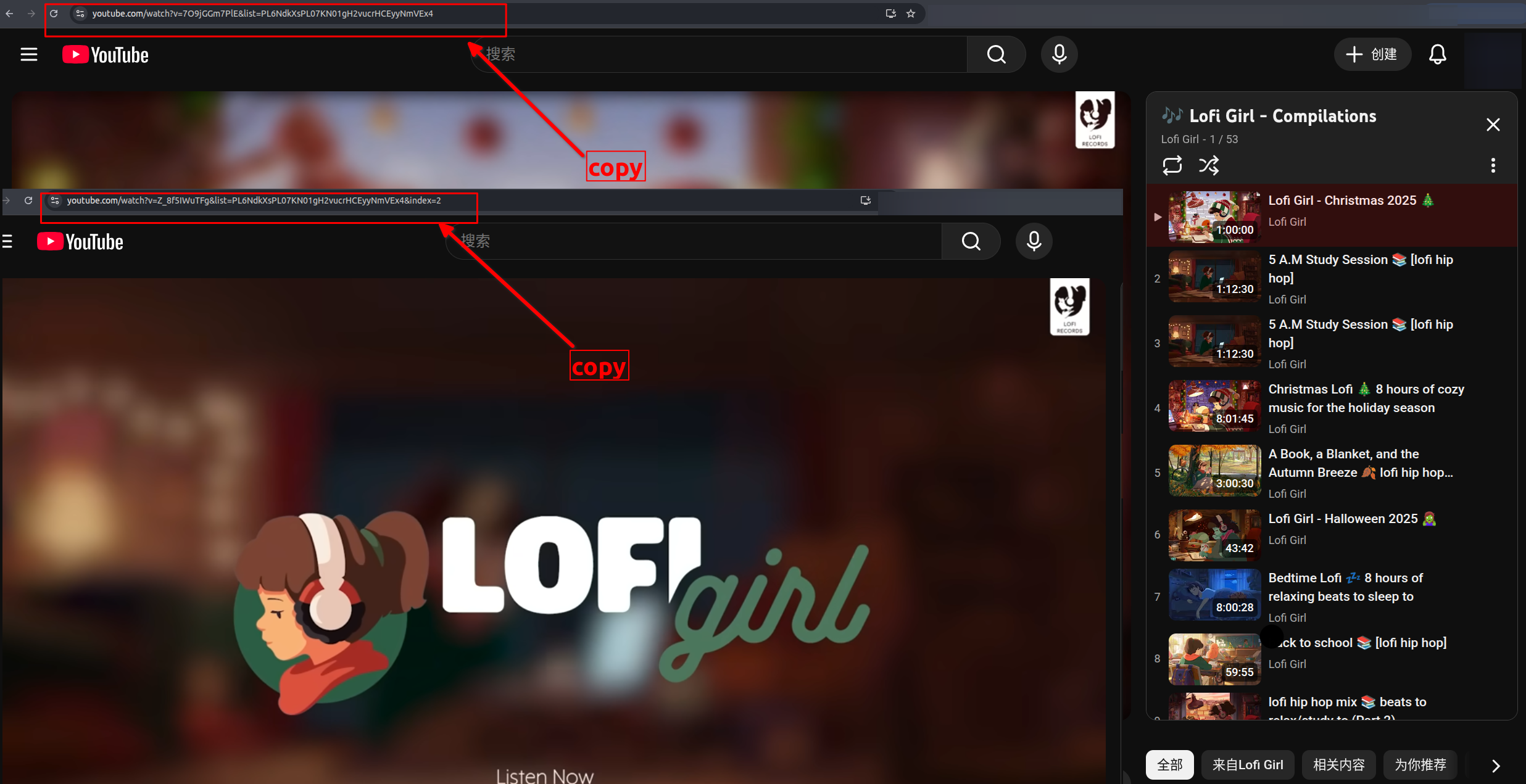
Copy your YouTube playlist URL or a video link from within the playlist (e.g., https://www.youtube.com/playlist?list=PL... or https://www.youtube.com/watch?v=tf...&list=PL...&index=xx). Then paste it into our youtube playlist randomizer input field to get started.
2Click the Load Playlist Button
Click the "Load Playlist" button and the tool will immediately fetch the original data from your youtube playlist shuffle request.

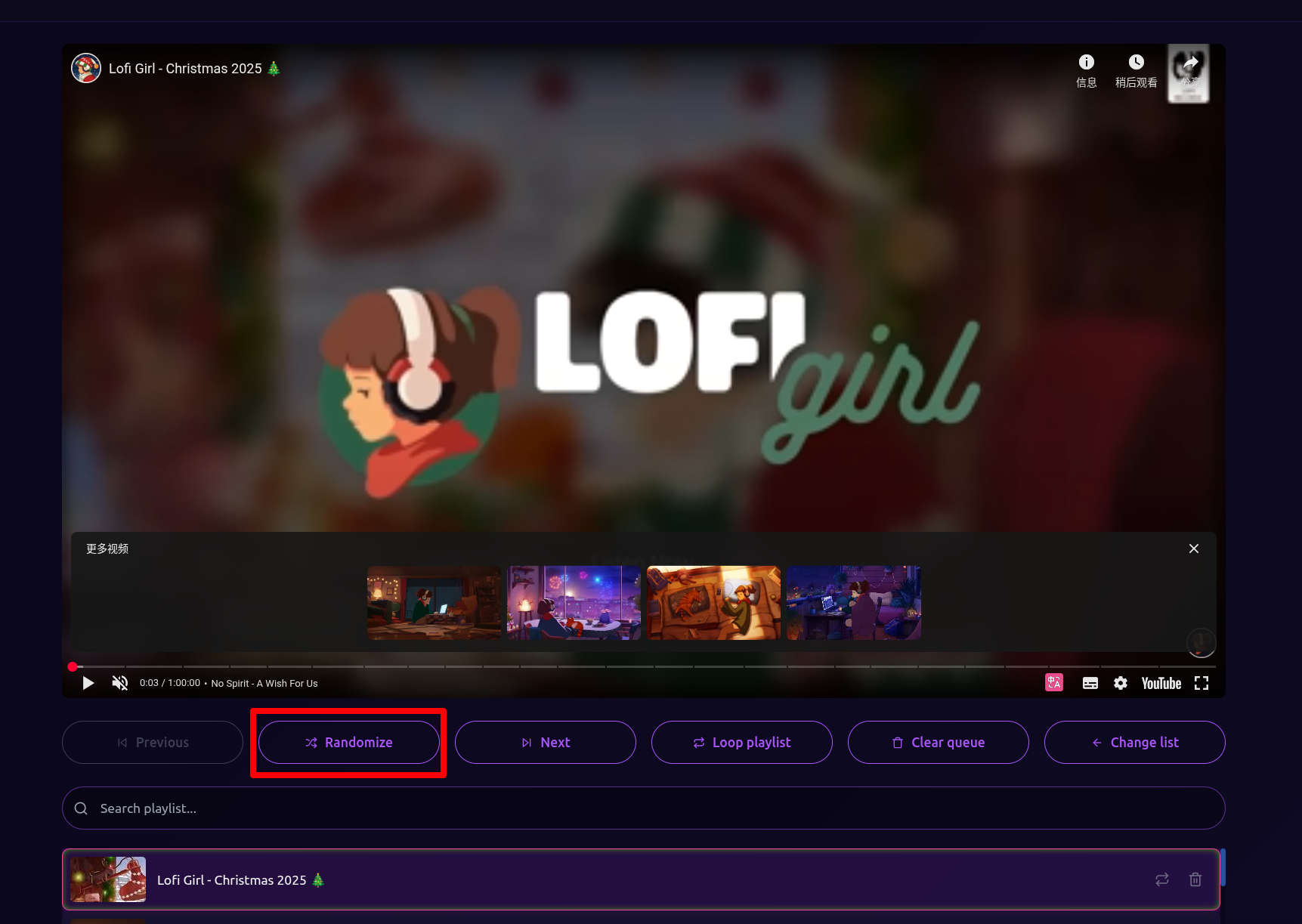
3Randomize Your Entire Playlist
Once the data loads successfully, the first video plays automatically and a brand new playlist appears on screen. From here, you can youtube shuffle the entire playlist order, loop a single video, or loop the whole list.